Nodejs - Tạo static server đơn giản với Nodejs
Note: This post is over 11 years old. The information may be outdated.
English version: https://blog.duyet.net/2015/08/nodejs-create-simple-static-server-with.html
Note: This tutorial uses the
static-html-serverpackage. For modern alternatives in 2025, consider usingnpx http-server, Vite preview mode, or other lightweight server solutions.
Cài đặt
$ npm install static-html-server -g
Tạo thư mục chứa các file html, css
Mình tạo 1 thư mục project, đường dẫn ~/project/test-static-server với 2 file bên trong
- index.html
- style.css

Khởi động Server
Khởi động server bằng lệnh:
$ static-html-server -p 8888 -r ~/project/test-static-server
Với
- -p 8888 là port của server .
- -r ~/project/test-static-server là đường dẫn đến thư mục gốc của project.
Mở trình duyệt và truy cập http://localhost:8888
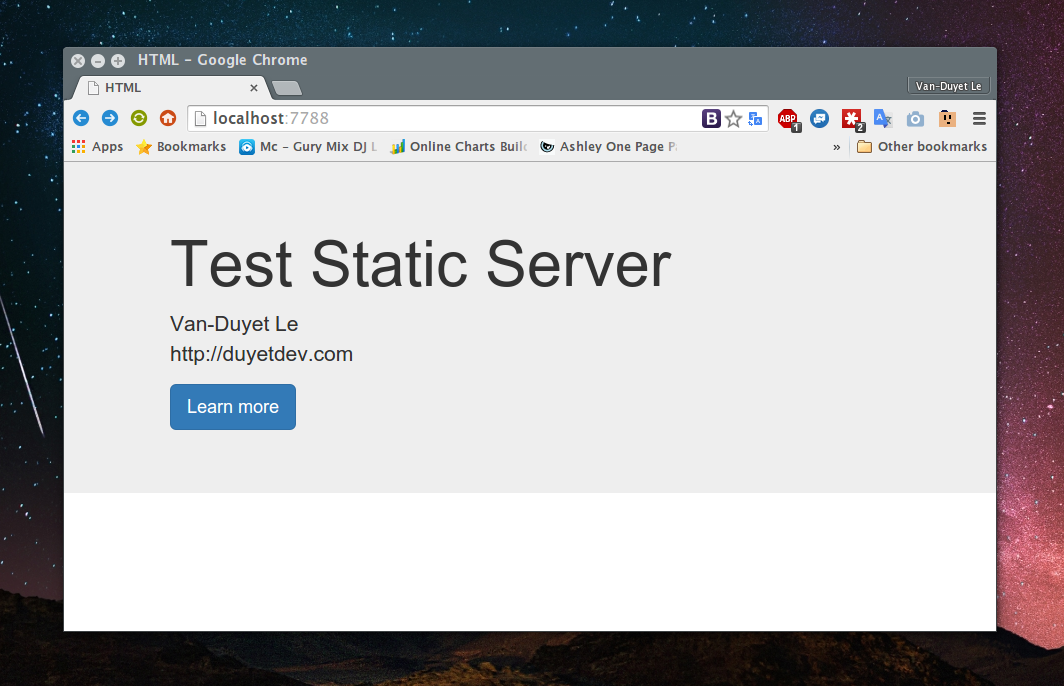
Chúc các bạn thành công.
Alternatives for 2025
If you're looking for modern alternatives, here are some options:
npx http-server- Quick and simple static server (no installation needed)npx vite --host- Modern build tool with preview mode- Built-in Node.js modules - Use
httpmodule directly npx live-server- Adds live reload to static files
Github Project
Github repo: https://github.com/duyet/static-html-server