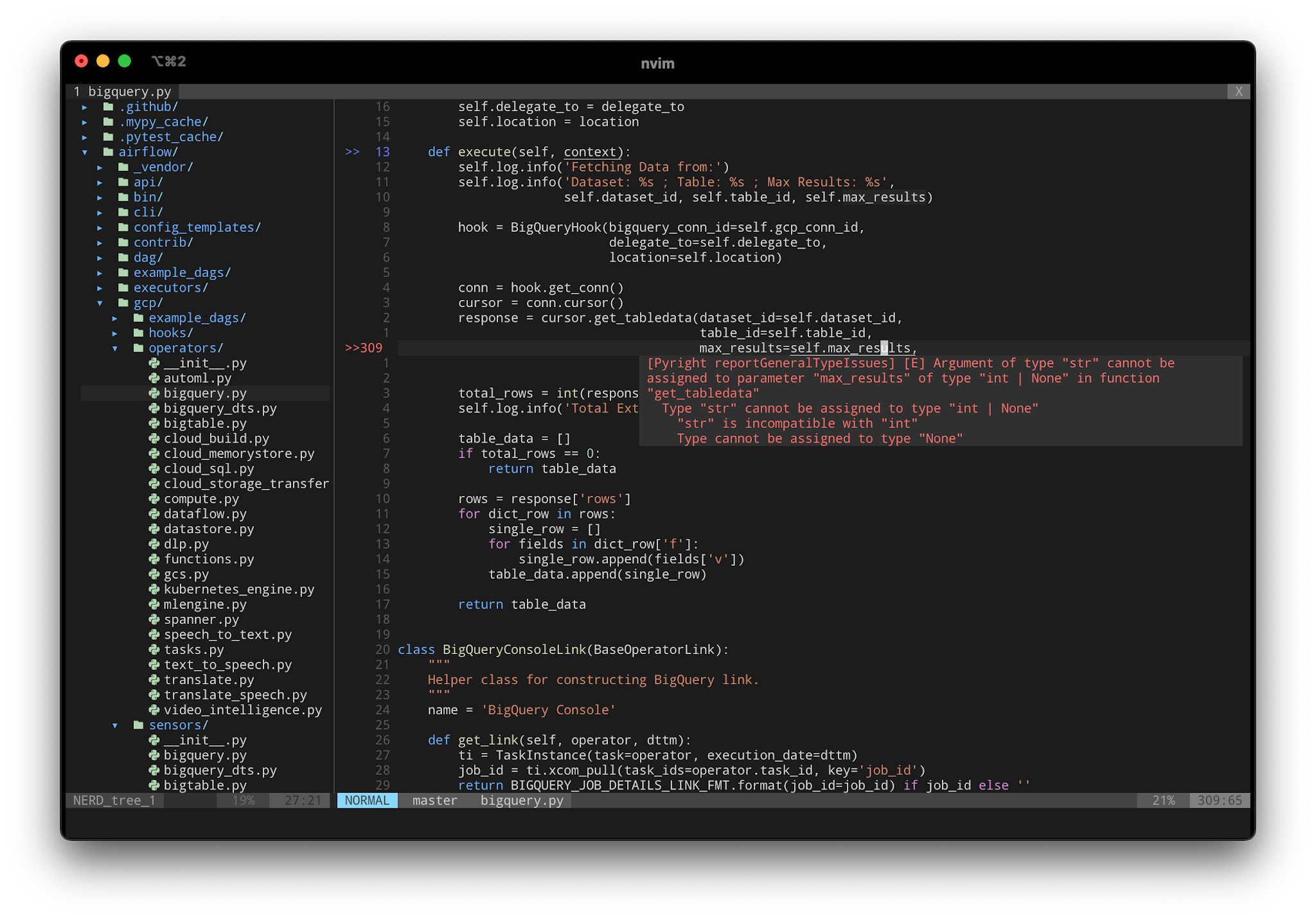
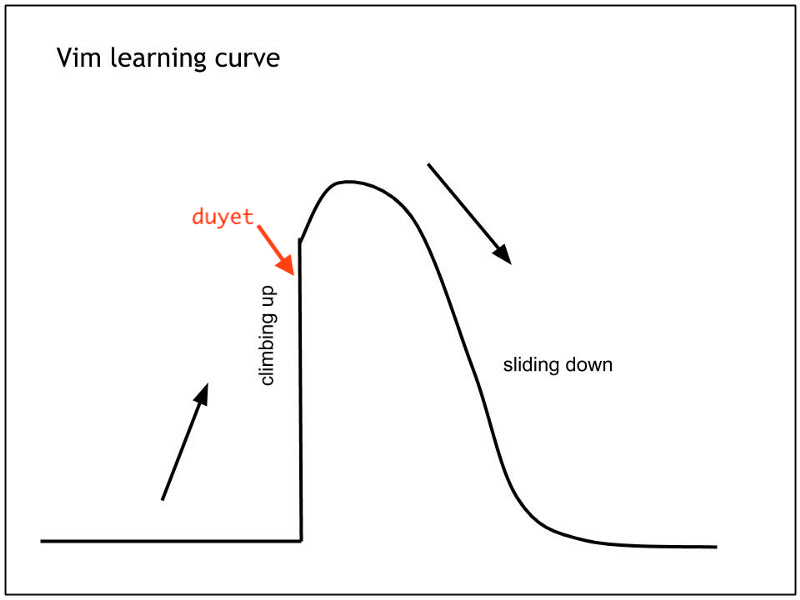
I've been using VSCode for a long time. It's a great editor, but I wanted something that makes me faster and more productive. I tried to learn Vim many times since university, but I always gave up.
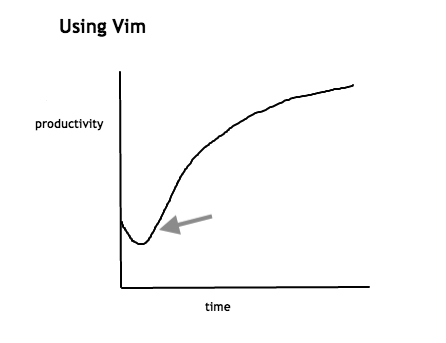
This time was different. I went all in, and after six months, I hit two goals: using Vim 100% of the time, and being just as fast as I was with VSCode.
So this week, I decided to take the next step and move to NeoVim. Here's why:
- It has a remote API, so other programs can talk to it.
- Better default settings out of the box.
- Works in many GUIs, IDEs, and even web browsers.
- It fixes all the small issues I had with Vim.
- Runs tasks in the background, so it feels faster.
- Almost fully compatible with my existing Vim config and plugins.
- And honestly, the website looks pretty cool :)
Installing
There are many ways to install NeoVim. Check the wiki for details: https://github.com/neovim/neovim/wiki/Installing-Neovim.
On my Mac, I just use Homebrew:
brew install neovim
Setting up the config
The good news is you don't need to start from scratch. You can just copy your ~/.vimrc to ~/.config/nvim/init.vim and most things will work.
What I did instead was create a file at ~/.config/nvim/init.vim that points NeoVim to my existing Vim config:
set runtimepath^=~/.vim runtimepath+=~/.vim/after
let &packpath = &runtimepath
source ~/.vimrc
NeoVim isn't 100% compatible with Vim, but almost all plugins work just fine. I had zero issues with mine.
I also use this vimrc preset which comes with a ton of useful plugins, color schemes, and settings: https://github.com/amix/vimrc
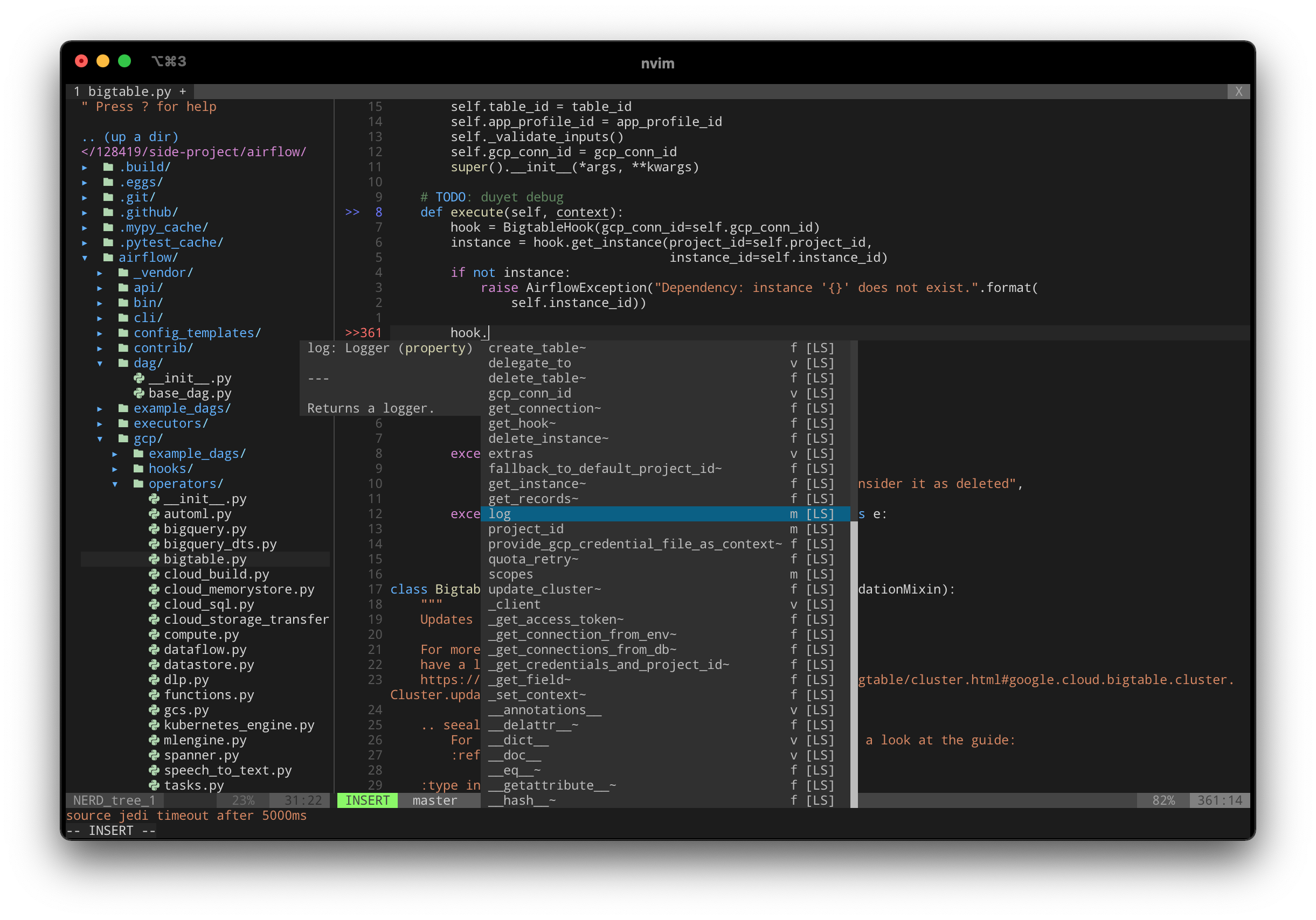
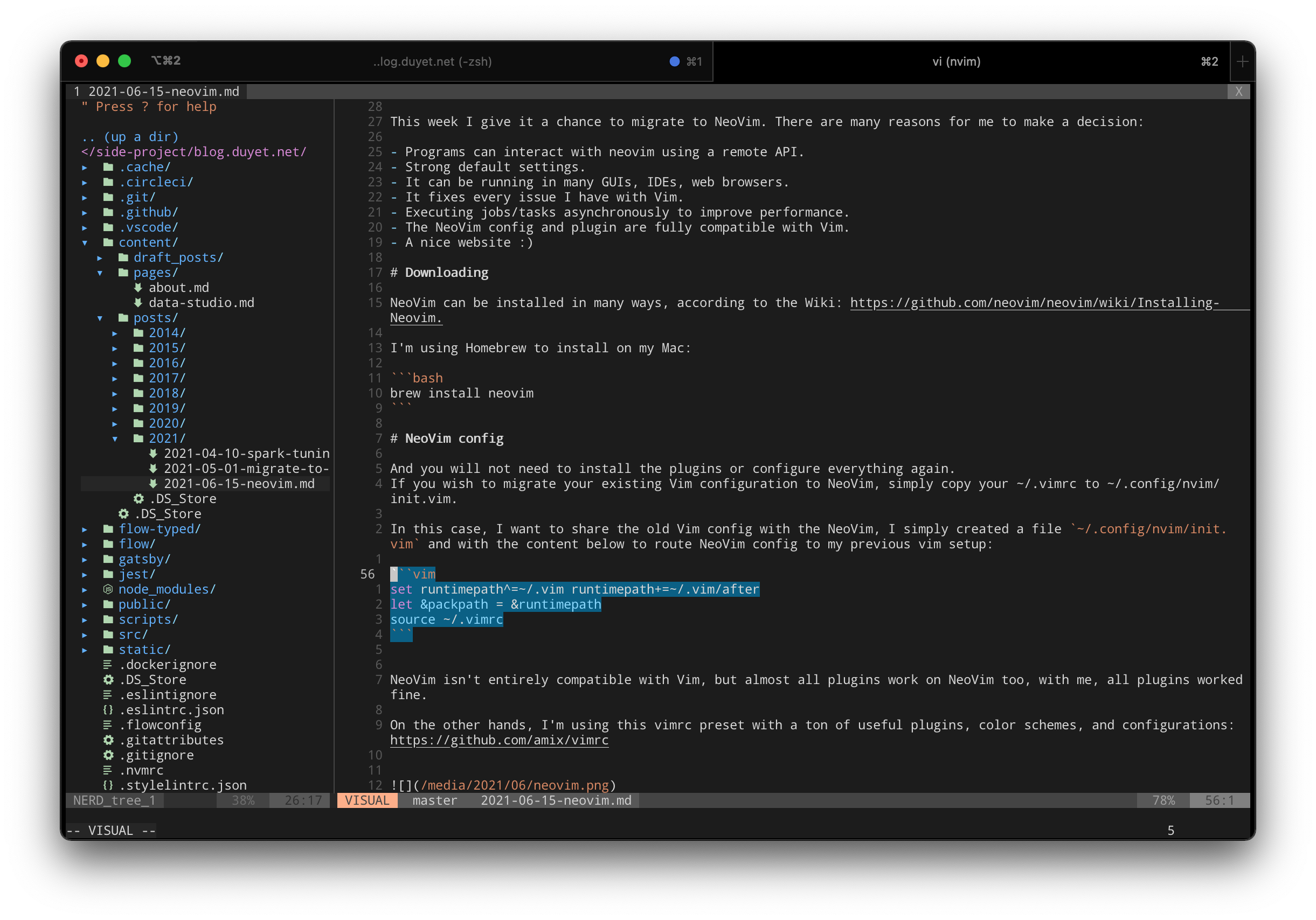
One more thing — NeoVim has its own set of plugins that take advantage of features only available in NeoVim. You can explore them here.
Updated Aug 2021
I just switched to NvChad (https://nvchad.netlify.app). It comes with a beautiful UI and a lot of built-in settings. Give it a try!
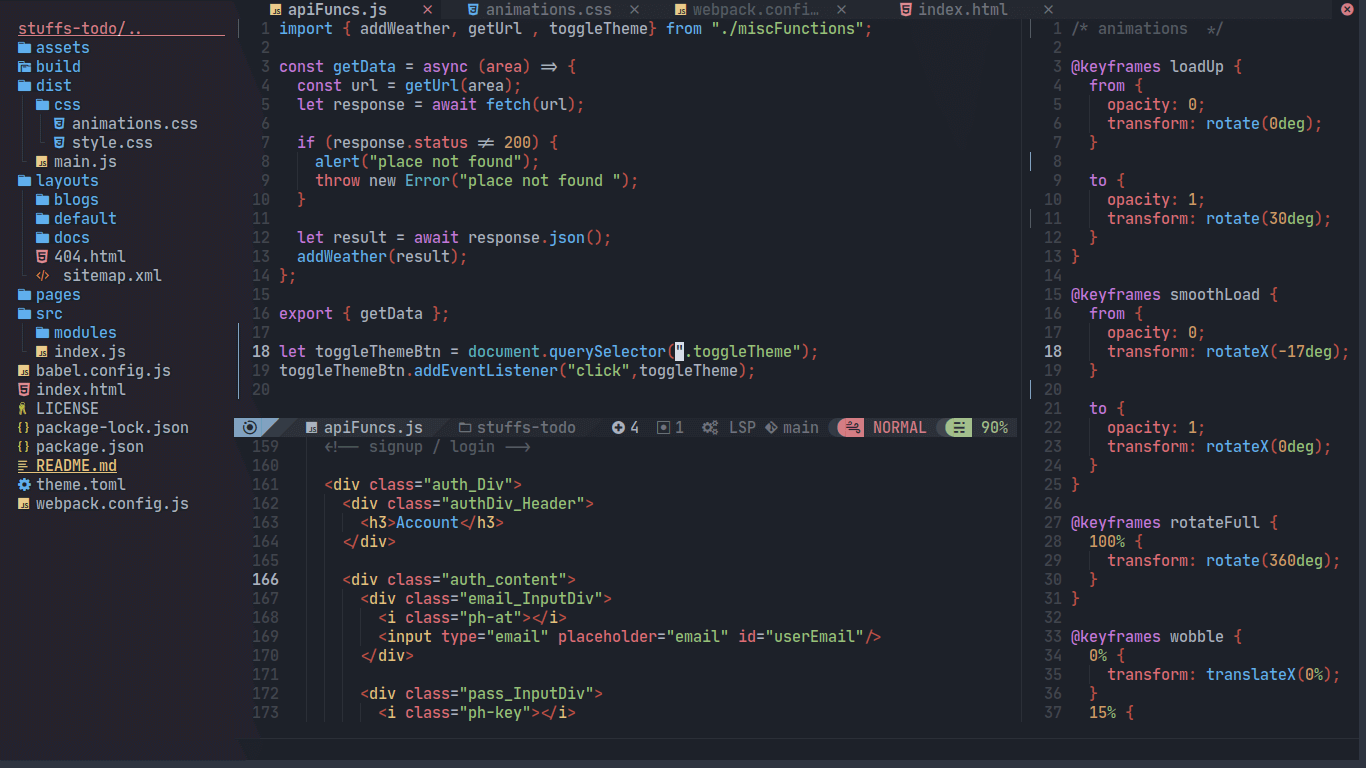
Updated Aug 2023
Moved to my own setup: My Neovim Setup in 2023
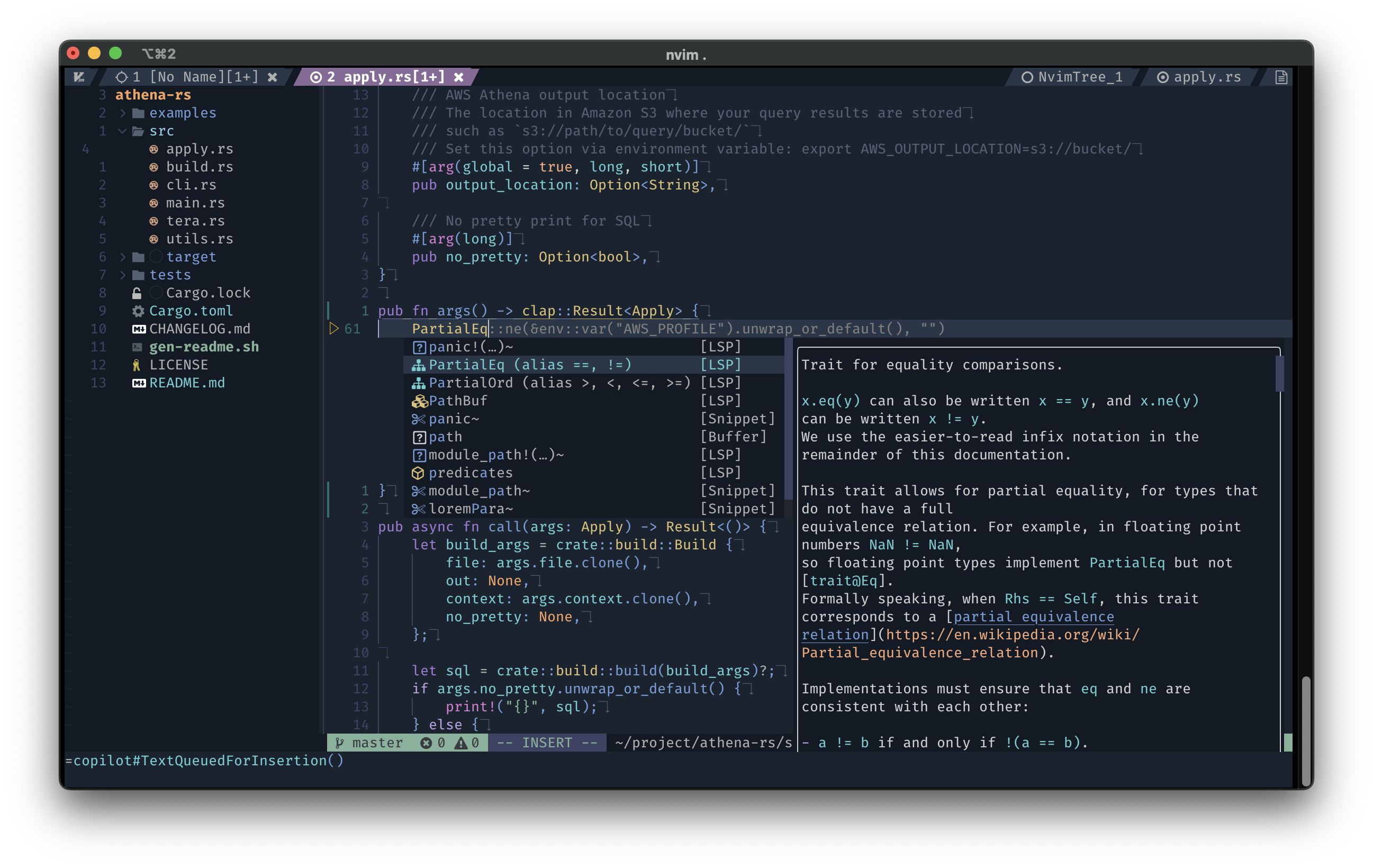
Recommended tutorials
If you're just getting started with Vim or NeoVim, these two videos are worth watching: