Duyet Le
Jun 1, 2026
Chrome Devtools MCP
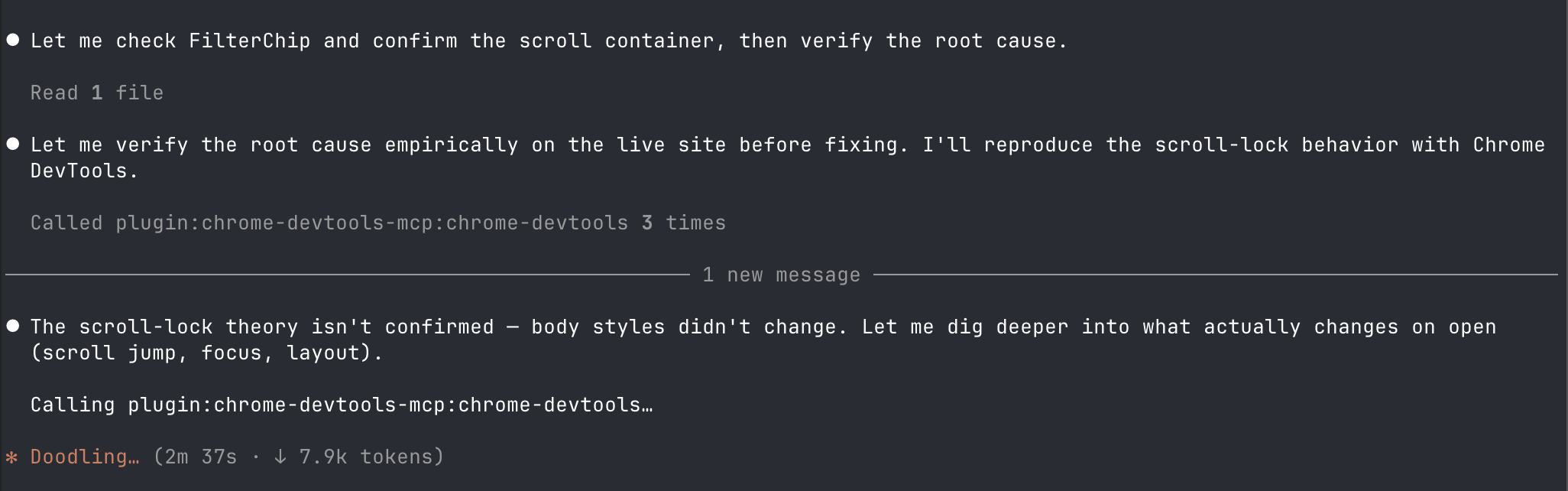
There are three ways to let an agent touch the browser right now: Chrome DevTools MCP, Playwright MCP, and Claude in Chrome. They look similar but they are not the same tool.
For me Chrome DevTools MCP is the better one for debugging. It speaks the language of the DevTools — console messages, network requests, performance traces, the actual DOM and computed styles. When something is broken on a page, that is exactly what I want the agent to read.
Playwright MCP feels more about driving a browser: click here, fill that, assert this. It is great for automation and end-to-end test flows, less so for "why is this layout broken / why is this request failing".
Chrome DevTools MCP → inspect and debug.
Playwright MCP → automate and test.
Different jobs. I keep Chrome DevTools MCP around when I am hunting a bug, and reach for Playwright when I actually want to script the browser.
/plugin marketplace add ChromeDevTools/chrome-devtools-mcp
/plugin install chrome-devtools-mcp@chrome-devtools-plugins
/reload-skills