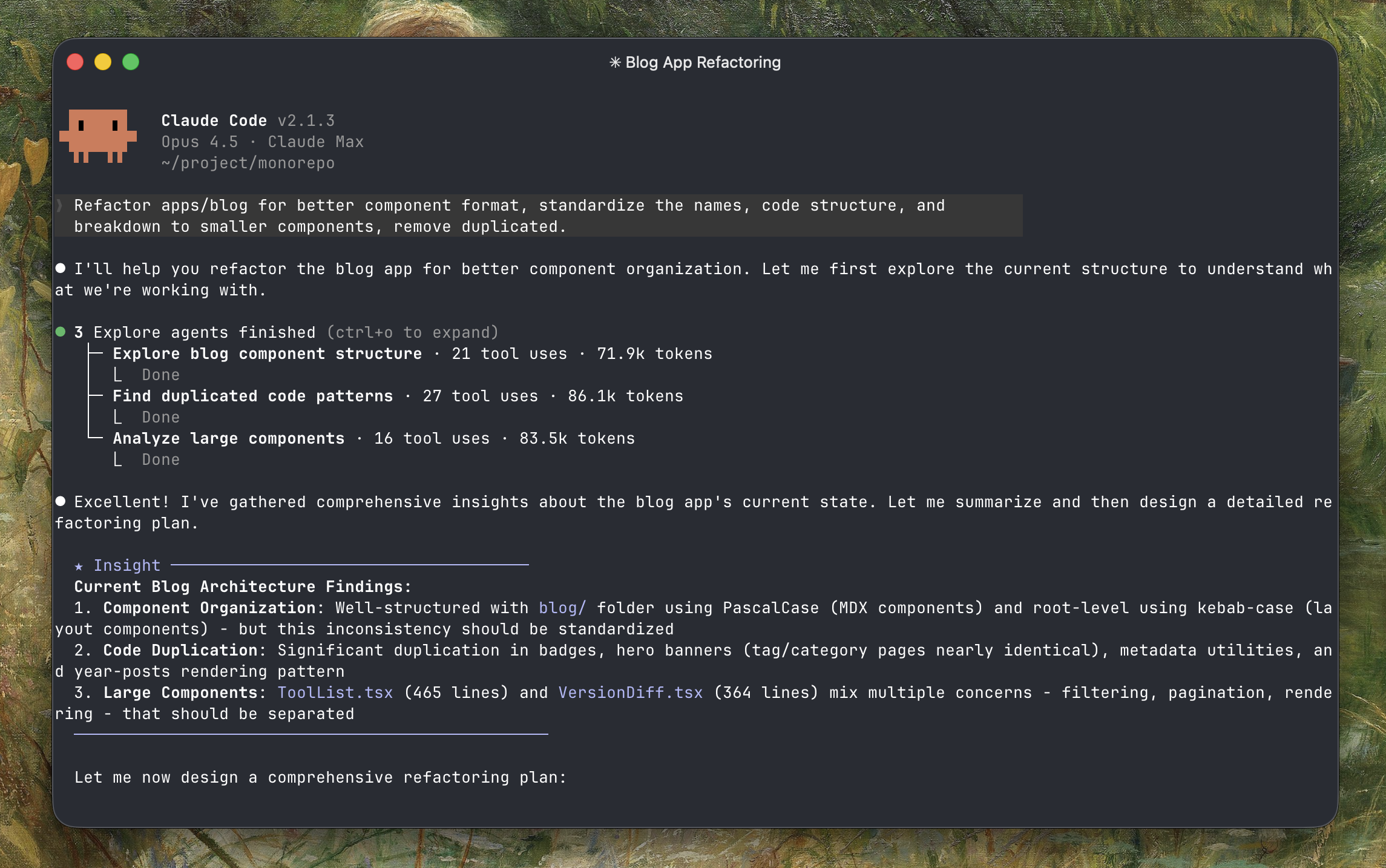
Plan mode performs significantly better than just prompting directly. When you give Claude time to think and plan first, the results are way more accurate. Less back-and-forth, fewer mistakes.
Plan
Hit shift+tab twice to enter Plan mode. I do this for most tasks and start a new session for each one. Claude writes a plan file for you to review - keep adjusting until you're happy with it.
Once the plan is solid, Claude usually finishes the whole thing in one shot without asking questions.
You can also use /batch <instruction> to enter plan mode — it researches the codebase, decomposes the work into 5–30 independent units, and presents a plan for approval. Once approved, it spawns one background agent per unit, each in an isolated git worktree. Each agent implements its unit, runs tests, and opens a pull request. Example: /batch migrate src/ from Solid to React.
Implement
With a good plan, I usually don't do much here - just let it run. You can open another Claude Code session to work on something else while waiting.
If things go off track, inject a prompt mid-way. Claude will catch up and keep going.
You can kick off background agents for specific tasks (research, small changes, refactoring) while working.
Review
The Explanatory output style shows you why Claude made certain choices - useful for learning.
I use /simplify for review — it reviews your recently changed files for code reuse, quality, and efficiency issues, then fixes them. It spawns three review agents in parallel (code reuse, code quality, efficiency), aggregates their findings, and applies fixes. Pass optional text to focus on specific concerns: /simplify focus on memory efficiency. I also use @refactor or @testing for specific checks.
Claude Hooks save time here - auto-format, run linters, or custom verification.