Claude Code is still the king among all the coding agents I've tried. I've used Cursor, Codex, Antigravity, Gemini CLI, Droid, Roo Code, Kilo Code, Kiro, etc. None of them can beat Claude Code in my opinion. But I suggest you try all of them if you can - use a different one for each side project.
It just works - not only for coding, but for understanding complex systems, refactoring, writing docs, doing homework, planning travel, summarizing news, fixing your system, etc. "90% of code in Claude Code is written by itself" - How Claude Code is built. It's a general-purpose AI agent. Interestingly, it wasn't originally designed for coding. It started as Boris's side project.
The idea for Claude Code came from a command-line tool that used Claude to display what music an engineer was listening to at work. It spread like wildfire at Anthropic after being given access to the filesystem. Today, Claude Code has its own fully-fledged team
The shift from Copilot or Cursor (back in early 2025) to coding agents is like going from autocomplete to having other developers on your team. It's more like having teammates who do their own work, not a pair programmer grabbing your keyboard. They work on their own - I just review results, give feedback when asked, and honestly still can't believe this works. Your mindset changes from "I need to write good code" to "I need to write good prompts and build good skills". Most code in my GitHub repos is now generated without me writing a single line. I just prompt, watch, and test.
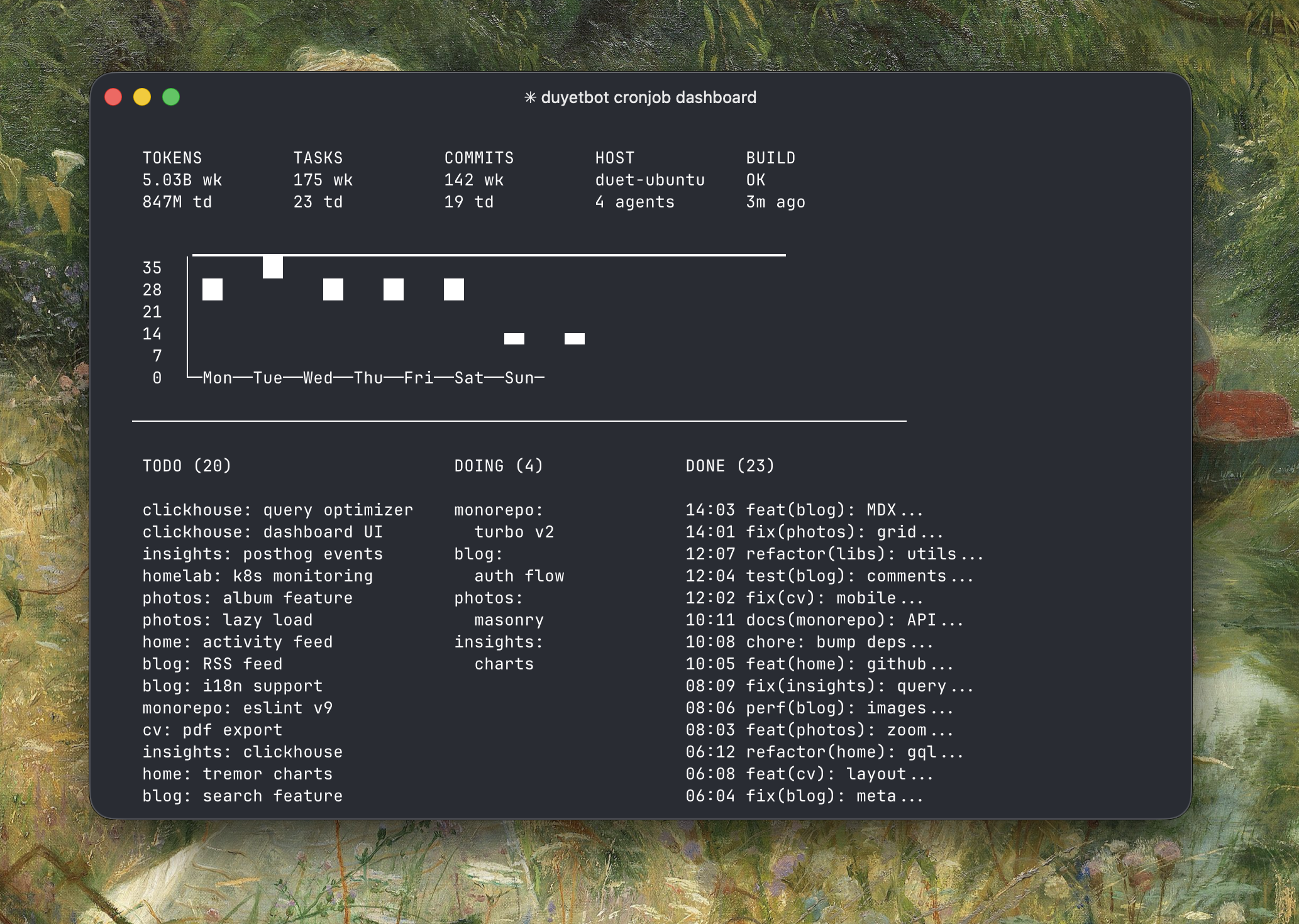
duyet.net gets updated automatically by Claude Code overnight with a custom Claude wrapper - my experiment to see how far Claude Code can go. Sometimes it researches new designs, sometimes it breaks the website, but it's fun to see. The script looks something like this:
while true; do cat prompt.md | claude --dangerously-skip-permissions; sleep 1h; done
The prompt.md file contains the task list and instructions. Claude reads it, executes, and updates the state for each loop. For more advanced use cases, check out Claude Code + Ralph Loop - it runs non-stop sessions that consume tasks while you can prompt it to read state or a TODO.md file on the fly.
There's no one correct way to use Claude Code. The following sections are for anyone curious about how I use it - skip this if you're already familiar with Claude Code.