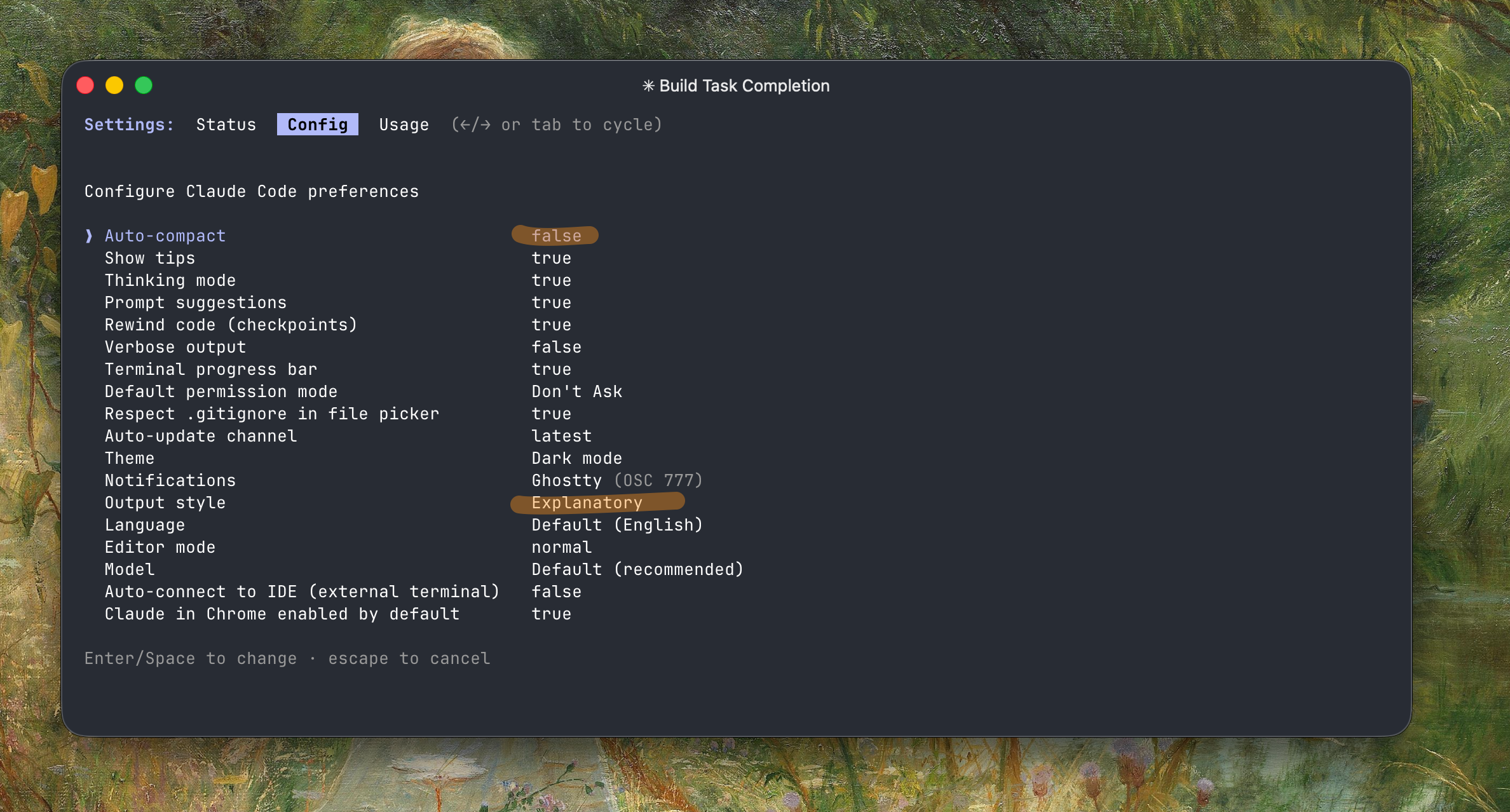
I prefer disabling Auto-compact - it's slow, wastes 45.0k tokens (22.5%) for the buffer, and usually loses context. I use sub-agents when possible since they have their own context. Otherwise I run /export to the clipboard, then /clear and paste the previous content back. The export won't include thinking tokens or tool calls, so you save a lot and the model still tracks well.
I always work with --dangerously-skip-permissions - it's not as dangerous as you'd think.
claude --dangerously-skip-permissions --chrome
My default list of MCPs are: context7, sequential-thinking, and zread. It depends on the project I'm working on.
Skills I'm currently working on: supabase/agent-skills, vercel-labs/agent-skills, code-simplifier for refactoring and simplifying complex code while preserving functionality, and frontend-design for generating distinctive, production-grade frontend interfaces that avoid generic AI aesthetics (see the Frontend Aesthetics Cookbook for prompting tips).
bunx skills add supabase/agent-skills
bunx skills add vercel-labs/agent-skills
npx skills add https://github.com/anthropics/claude-plugins-official --skill code-simplifier
npx skills add https://github.com/anthropics/claude-plugins-official --skill frontend-design
History
- Mid 2025: SuperClaude_Framework - a collection of commands, agents, and behaviors installed in your
.claudefolder. Claude Plugins is more convenient now. - Early 2025: Zen MCP was a game changer at the time - it let you invoke other providers like Gemini for brainstorming.